What it is
A Chrome extension that applies retro web-era CSS filters to the active tab.
 Tab Time Machine
Retro web Chrome extension
Make today's web feel historic in one click.
Time-travel the current tab through Google-style 1998, Yahoo-style 1996, YouTube-style 2005, Wiki-style 2004, or Quiet Reader mode. It is not a closed-tab restore or session manager. It runs only after you click, turns off instantly, and can open selected Internet Archive pages.
Short version
Tab Time Machine is built for quick visual time travel, not account syncing, browsing-history storage, or automatic site crawling.
A Chrome extension that applies retro web-era CSS filters to the active tab.
You click the extension, choose an era, and the current page changes immediately.
It uses activeTab and scripting, requests no host permissions, and stores no browsing history.
The Chrome Web Store listing is live. A clearer v0.1.7 update is pending review, so the store may still serve the previous public version until approval.
Positioning
Use official archive tools when you need deep research, saving pages, or complete Wayback browsing. Use tab restore extensions when you need to recover closed tabs. Use Tab Time Machine when you want a fast visual era filter for the current tab, with selected archive shortcuts available after a click.
One-click retro CSS filters, no host permissions, and selected Internet Archive shortcuts for famous sites.
Not a tab restore tool, not a session manager, and not a replacement for the official Wayback Machine extension.
Archive proof
These screenshots are captured from Internet Archive snapshots used by the extension's old-copy buttons. They are included as proof examples, not as brand affiliation. Availability depends on Internet Archive.
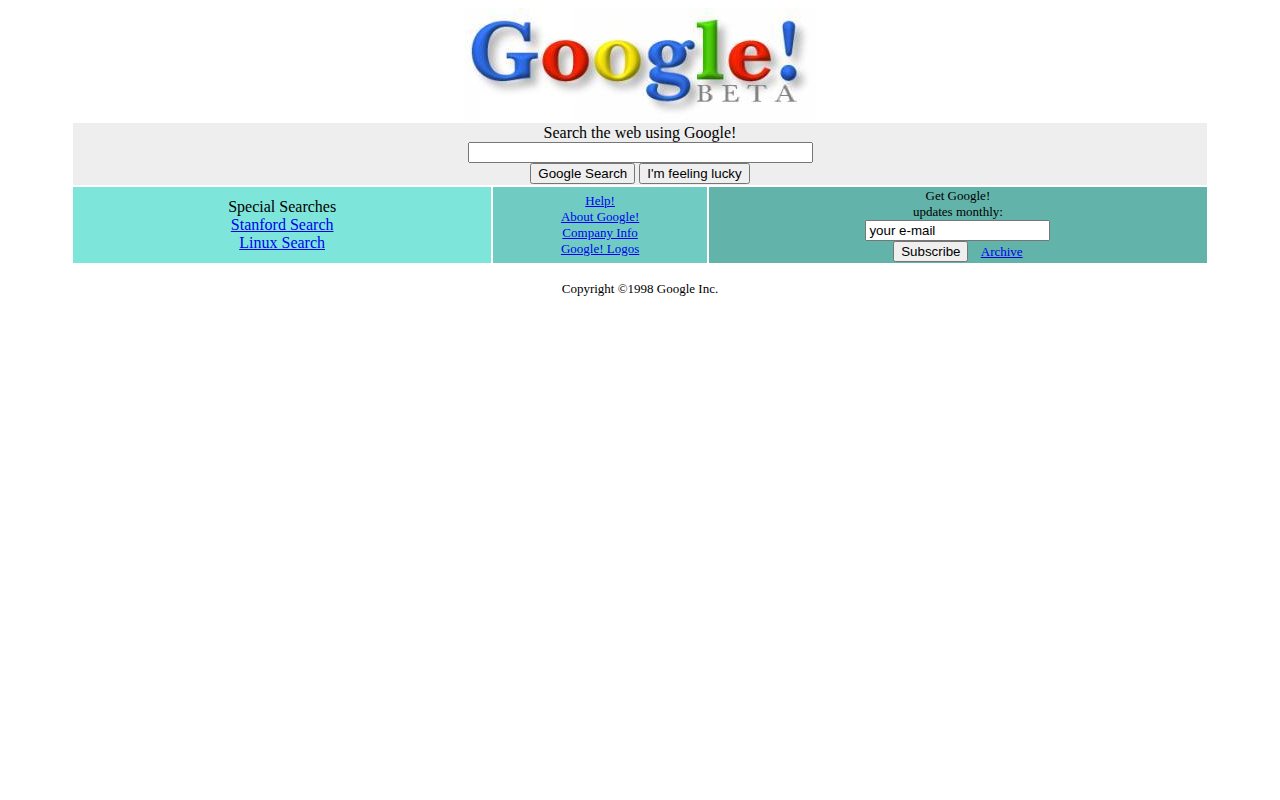 Google Beta, 1998
Wayback timestamp 19981202230410
Open this Wayback snapshot
Google Beta, 1998
Wayback timestamp 19981202230410
Open this Wayback snapshot
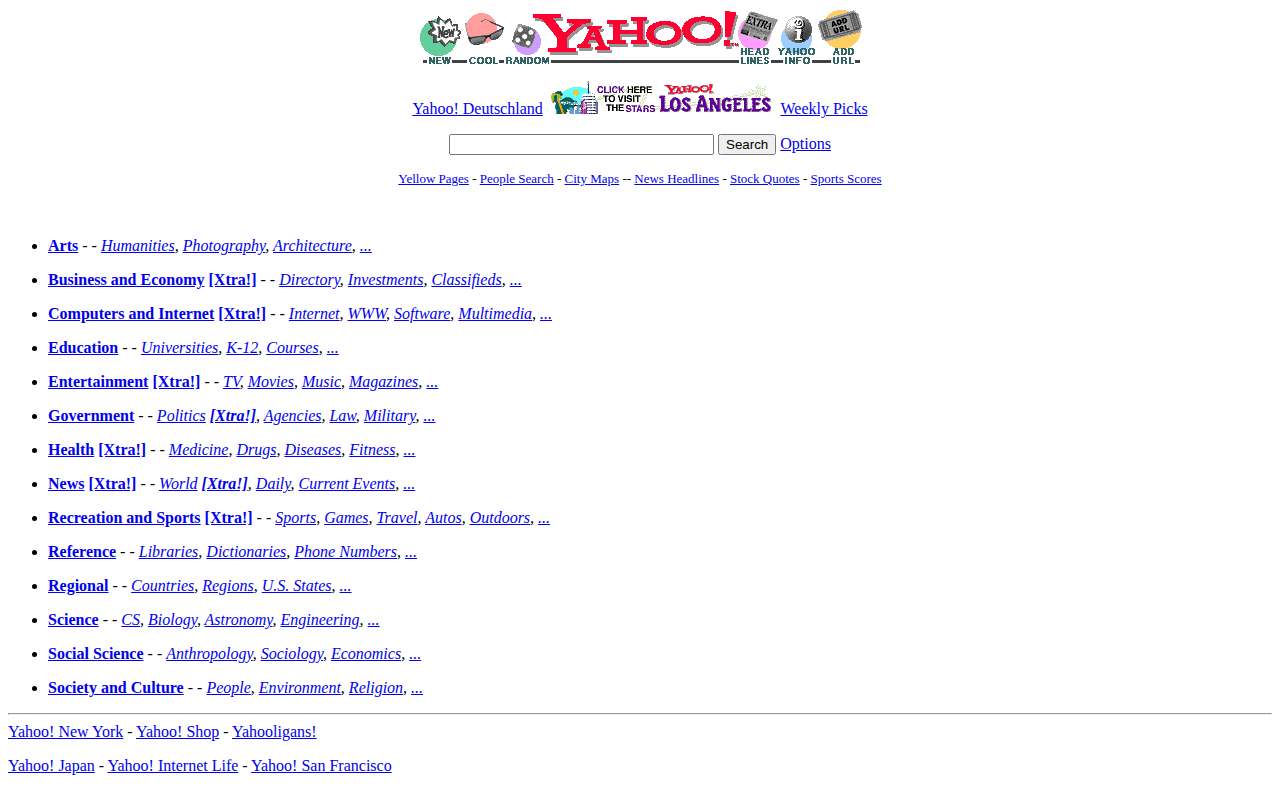 Yahoo directory, 1996
Wayback timestamp 19961017235908
Open this Wayback snapshot
Yahoo directory, 1996
Wayback timestamp 19961017235908
Open this Wayback snapshot
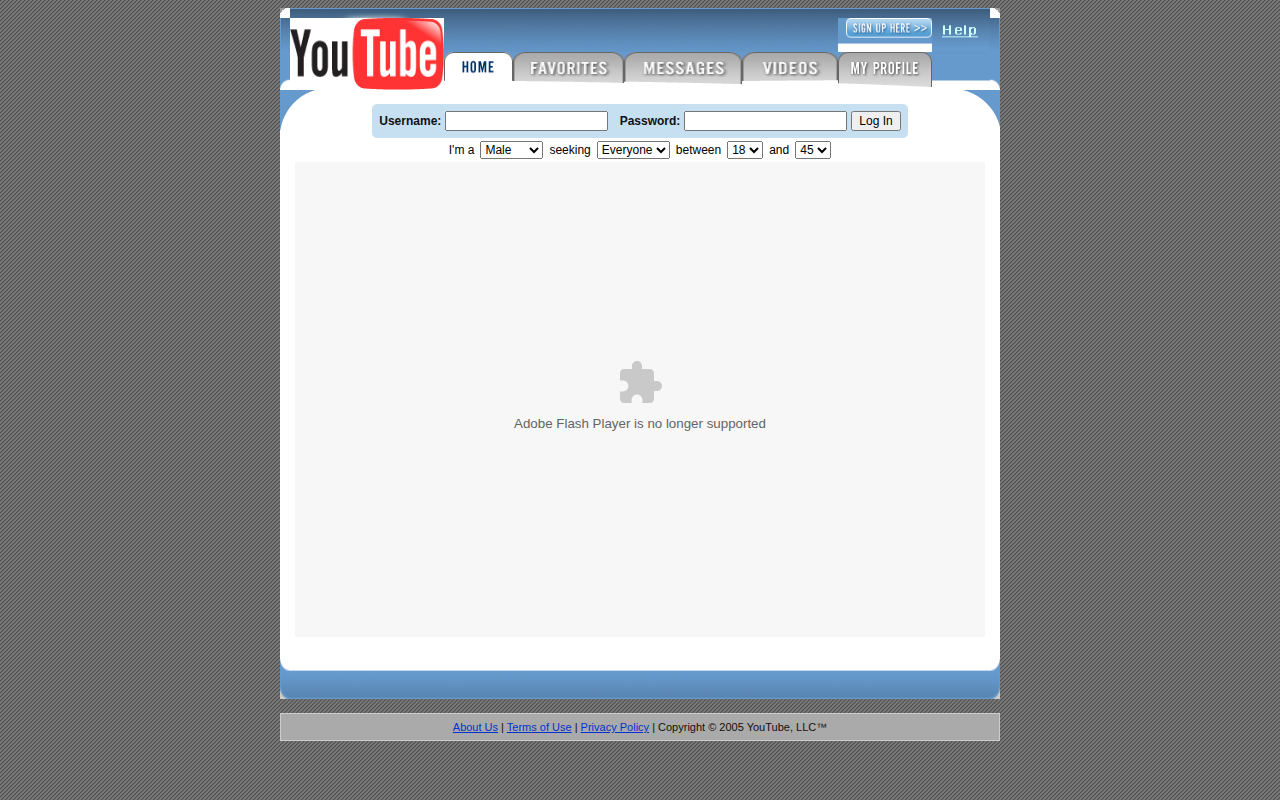 YouTube, 2005
Wayback timestamp 20050428014715
Open this Wayback snapshot
YouTube, 2005
Wayback timestamp 20050428014715
Open this Wayback snapshot
First action
The popup has five plain choices: Google-style 1998, Yahoo-style 1996, YouTube-style 2005, Wiki-style 2004, and Quiet Reader. The selected filter is inserted as packaged CSS into the active tab, then removed when you click Turn off.
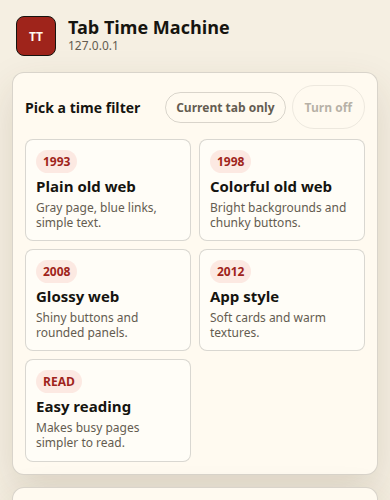
Included eras
Sparse search page, blue links, gray buttons.
Dense directory grid and classic search strip.
Blue tabs, video boxes, and early portal chrome.
Plain encyclopedia layout with old tabs.
A cleaner, old-reader style for busy pages.
Old copies
Google, Yahoo, YouTube, Reddit, Wikipedia, Amazon, and Craigslist get curated archive shortcuts. Other pages can open a 2008-era Internet Archive search in a new tab.
The extension is an unofficial educational tool. Local sample views are display-only examples, not copies of live brand services. Older archived media can show missing plugin or video placeholders.
Privacy model
This website may use aggregate Vercel analytics for page views and CTA clicks. That is separate from the Chrome extension and does not track browsing inside Chrome.
Local filters. CSS files are packaged with the extension and inserted only after a user action.
No storage. The extension does not store accounts, history, page text, or screenshots.
Wayback clicks. Internet Archive opens only when the user clicks an archive or old-copy button.
Minimal permissions. The manifest uses only activeTab and scripting.
Limitations
Install status
The extension is available as a free Chrome Web Store listing. A clearer v0.1.7 popup update is pending review; until approval, the store may still provide the previous public version. After install, open any normal http or https page, click the extension icon, and choose a time filter.
FAQ
Tab Time Machine is a Chrome extension that applies retro web-era visual filters to the current tab.
You open it on a normal web page, choose Google-style 1998, Yahoo-style 1996, YouTube-style 2005, Wiki-style 2004, or Quiet Reader, and the extension inserts packaged CSS into the active tab.
No. It is not a tab restore or session manager extension. It restyles the active tab and can open selected Internet Archive pages after you click.
It uses Chrome activeTab and scripting permissions. It does not request host permissions.
No. It does not store accounts, browsing history, page text, form values, screenshots, or files.
Only after you click an archive or old-copy button. The extension does not automatically send every page you visit to Internet Archive.
No. Chrome blocks extensions from changing chrome:// pages, extension pages, PDFs, empty tabs, and some protected pages.
No. Archive links open Internet Archive pages, and sample views are unaffiliated educational examples. Tab Time Machine is not affiliated with the sites shown.